
2026-01-20
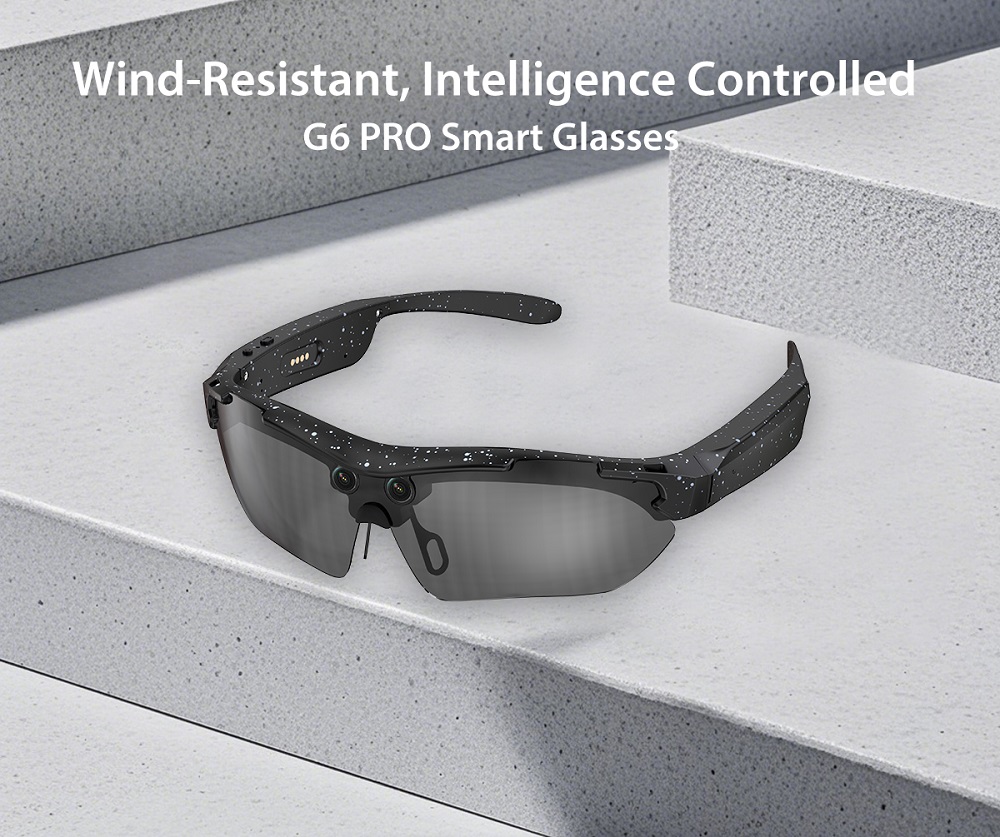
G6 Pro AI Smart Glasses

| Hardware Specification | |||
| MD | Product | G6 Pro AI Smart Glasses | |
| Open size | 157.80MM*45.64MM*184.75MM | ||
| Folding size | 157.80MM*45.64MM*77MM | ||
| Weight | 47g | ||
| Material | Frame | TR90 | |
| Temple arms | TR90 | ||
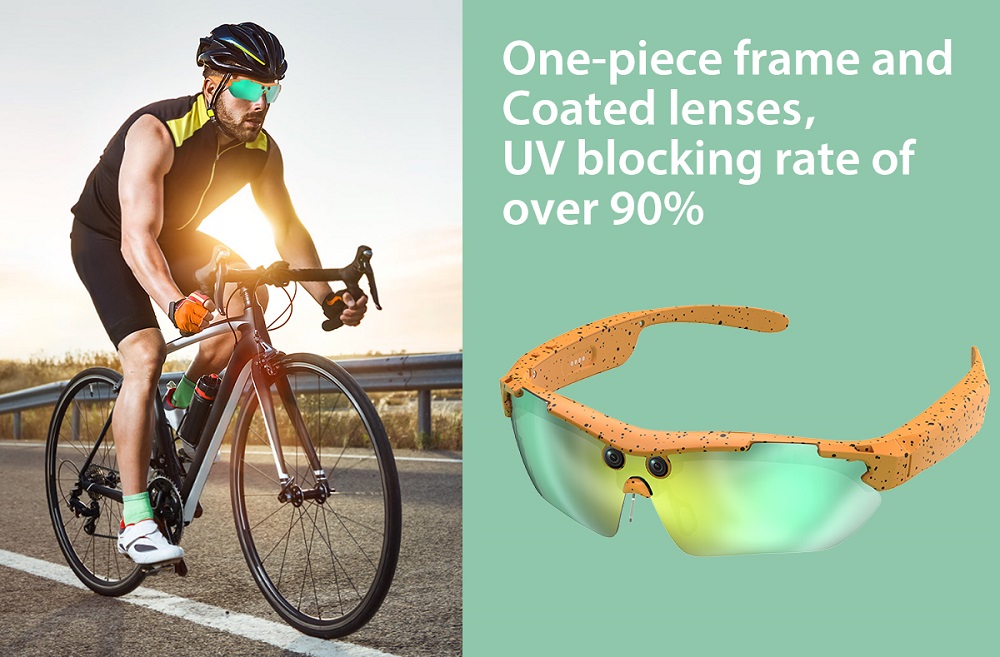
| Lens | sun glasses | ||
| Chip | Chip | JL7018F | |
| WIFI | V821 / WIFI 4 | ||
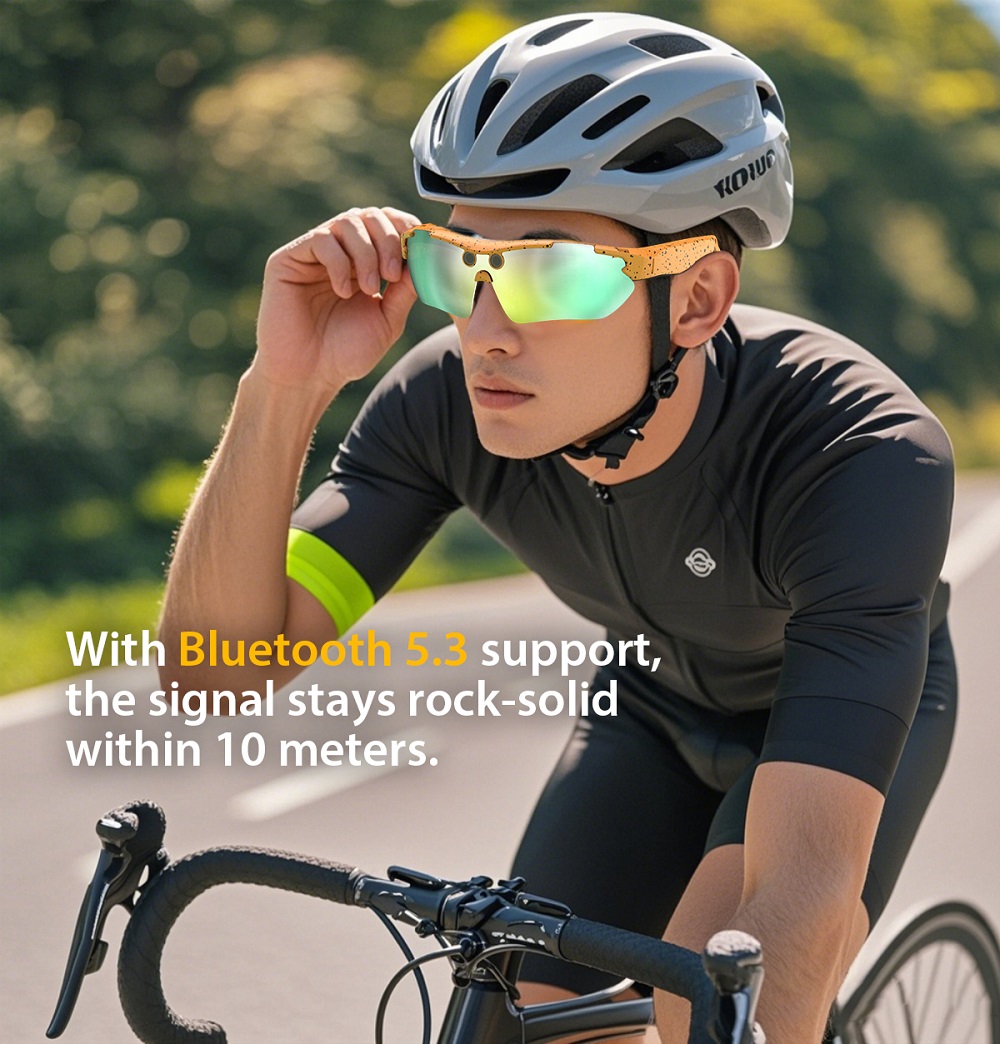
| wireless connection | BT version | V5.4 | |
| BT name | G6 Pro | ||
| Distance | >10m | ||
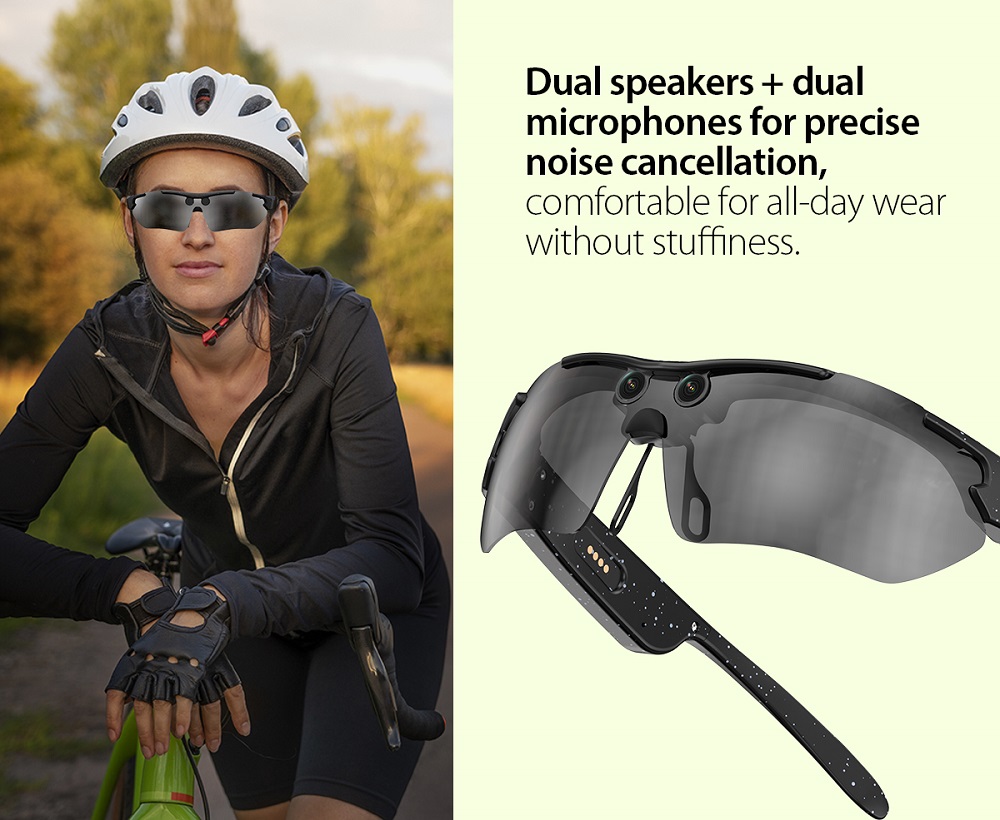
| Audio | Speaker | ∅12 Double speakers | |
| Mic | Dual mic, noise reduction | ||
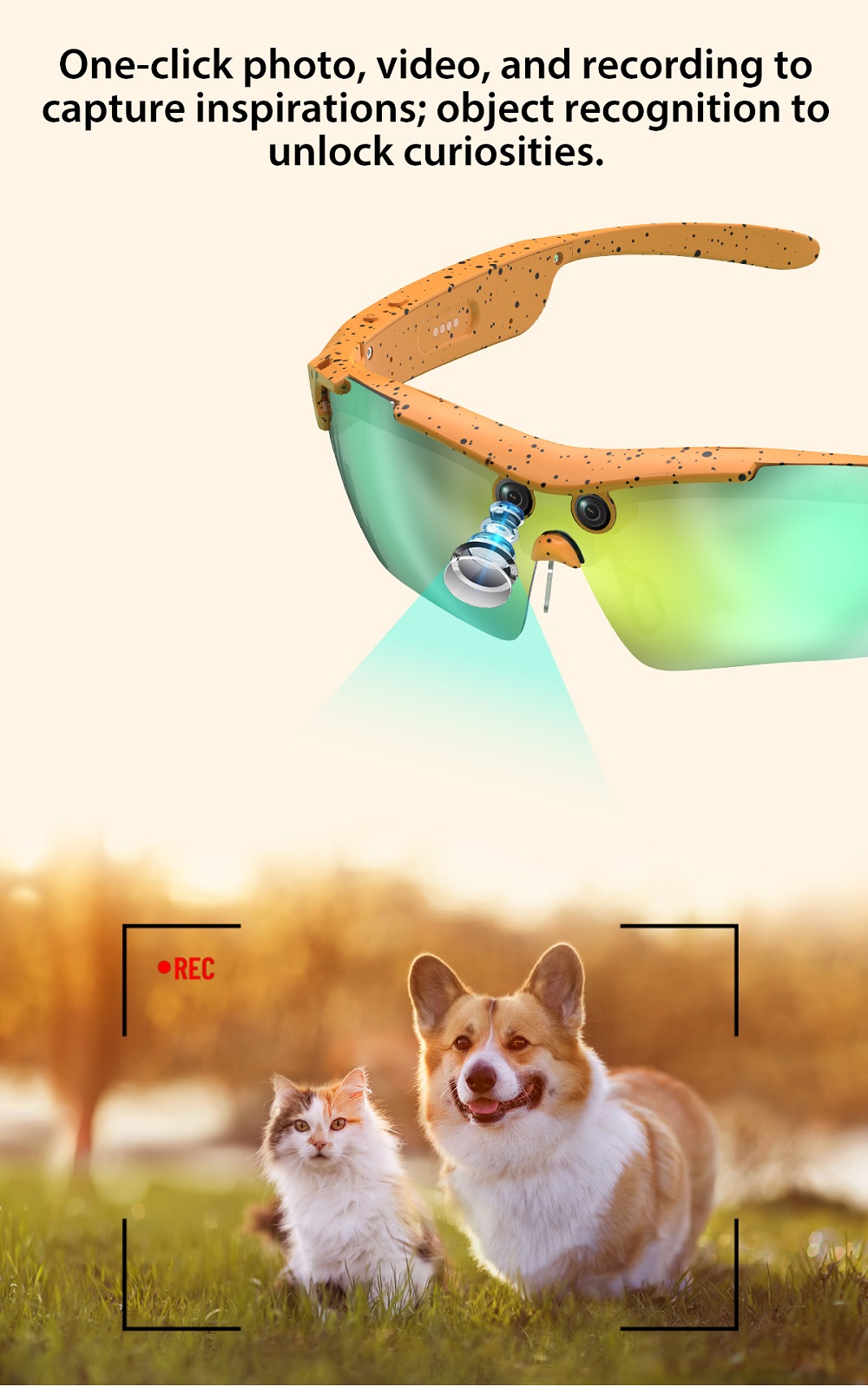
| Image | Canera | 8 million pixels, AR coating technology lens | |
| Video | 1080P @ 30 fps | ||
| Real-time preview | APP+WiFi | ||
| LED | 1pc (size 2.1mm×1.5mm) | ||
| Sensor | Anti shake | Support | |
| Storage | Built-in storage | 4Gb | |
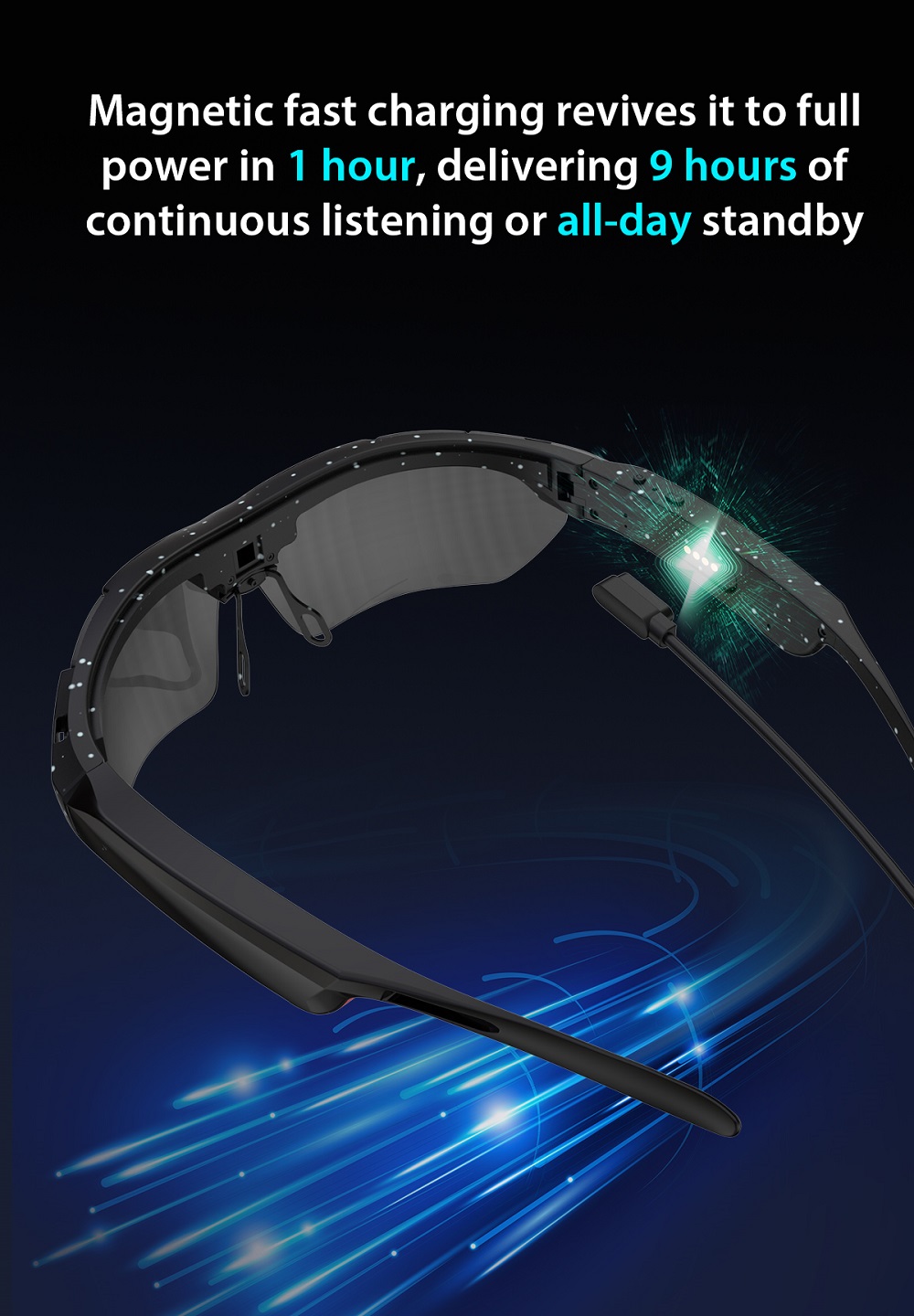
| Battery and charging | Capacity | 3.8V 260mAh High energy density battery | |
| Charging method | 4 pin magnetic charging | ||
| Charging time | ≈ 1.5h | ||
| Battery life time | BT call | 6.5h | |
| Music Play | 7h | ||
| Photo | >1h | ||
| Other | Wear detection | support | |
| Indicator light | Camera +charging indicator light | ||
| Waterproof | IP65 | ||
| Button | Two buttons | ||
| Firmware Features | |||
| Image | Video | 1080P @ 30 fps, Can set the recording duration | |
| H.264,MP4 | |||
| Press button to start, supporting APP transmission and anti shake algorithm | |||
| WIFI transmission | |||
| Photo | Press button | ||
| 8 million pixels | |||
| WIFI transmission | |||
| Voice recording | Press button | ||
| WAV | |||
| WIFI transmission | |||
| Audio | Mobile music | Compatible with iOS/Android/HarmonyOS | |
| BT call | Voice call | Click to answer incoming call/click to hang up during call (physical key) | |
| Double click to reject incoming call (physical key) | |||
| AI function | Intelligent Services | AI image recognition/dialogue | |
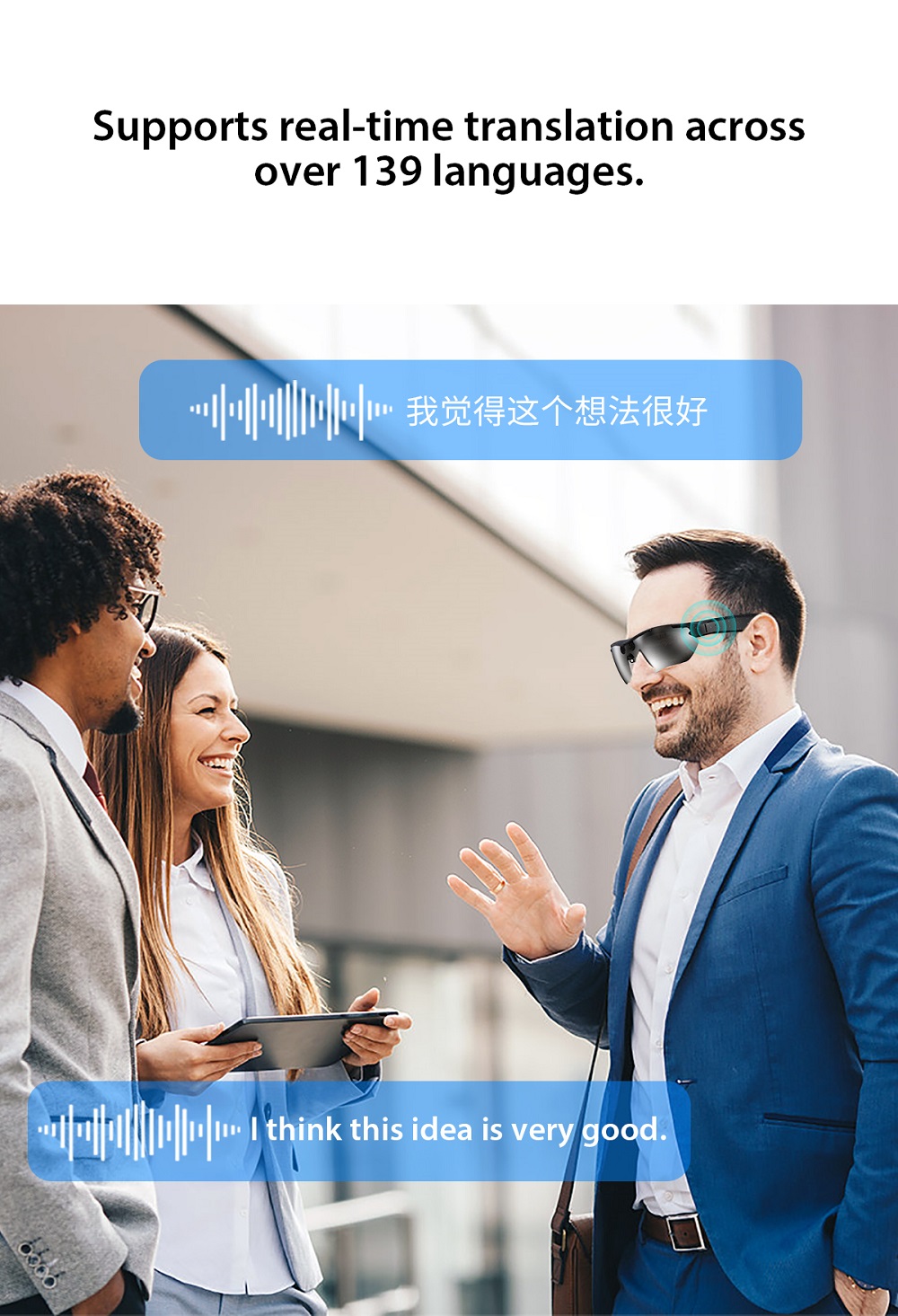
| Translate (26 languages) | |||
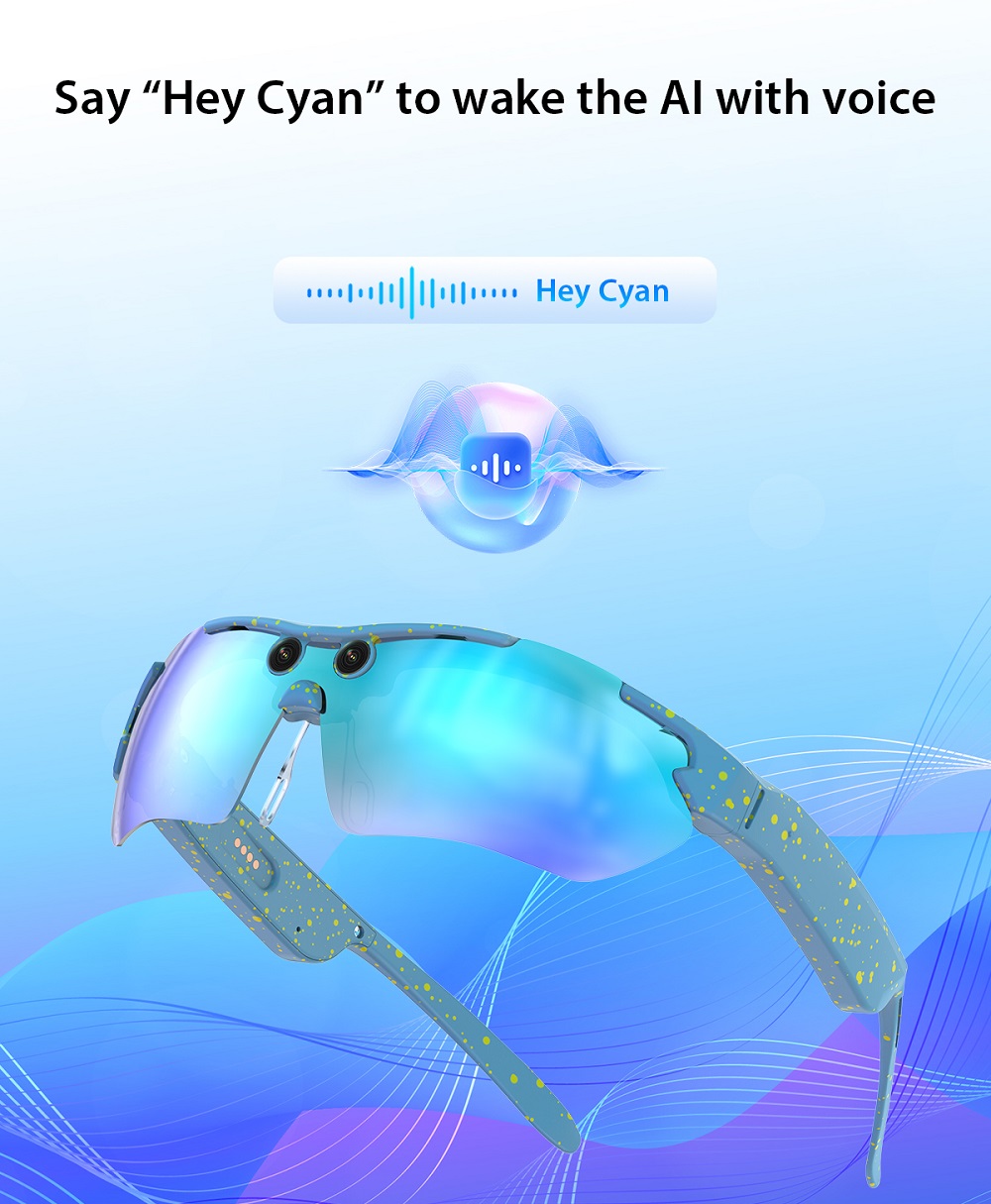
| Voice assistant | Wake up word: "Hey Cyan" | ||
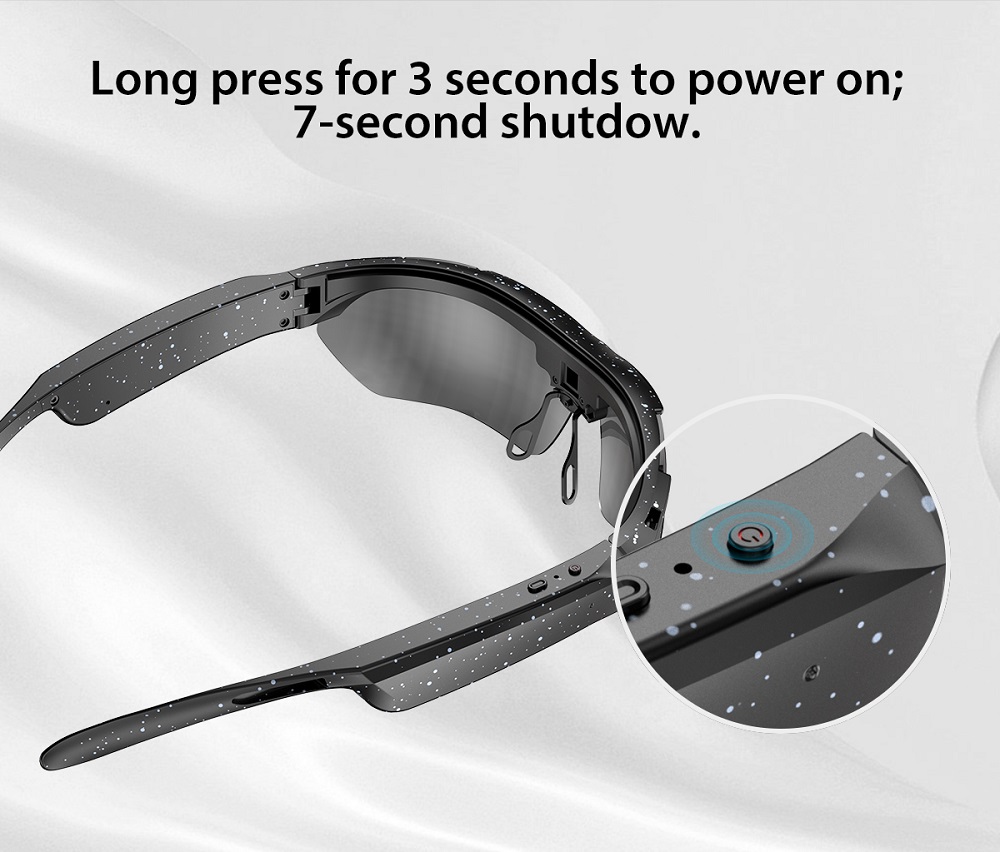
| System control | Power on/off | Power on: Long press the right physical button for 2 seconds | |
| Shutdown: Long press the right physical button for 5 seconds | |||
| Device pairing | Download the app, search for device connection via Bluetooth | ||
| Automatic reconnection of bound devices | |||
| OTA | Support FW upgrade | ||
| Interactive | Prompt sound | Power on/off prompt sound | |
| Photo/video operation prompt sound | |||
| APP: | HeyCyan | ||
| Android | Version 9.0 above | ||
| iOS | Version 13.0 above | ||
| Operation | |||
| Features | Function details | Functional description | |
| Right front button |
Power on |
Long Press for 2 seconds to turn on the device; Long Press for 5 seconds to turn off the device; Long press for 10 seconds to restore factory settings | |
| Short press once to take a photo | |||
| Short press twice to start video recording; During recording, short press once to stop | |||
| During a call, short press to answer, long press 2S to hang up, double-click to reject; During a call, short press once to hang up | |||
| Right rear button | Power on | Power on Bluetooth connection status: Short press once to wake up the AI voice assistant | |
| Double click for quick AI image recognition | |||
| Long press to start recording; During recording, short press once to stop | |||
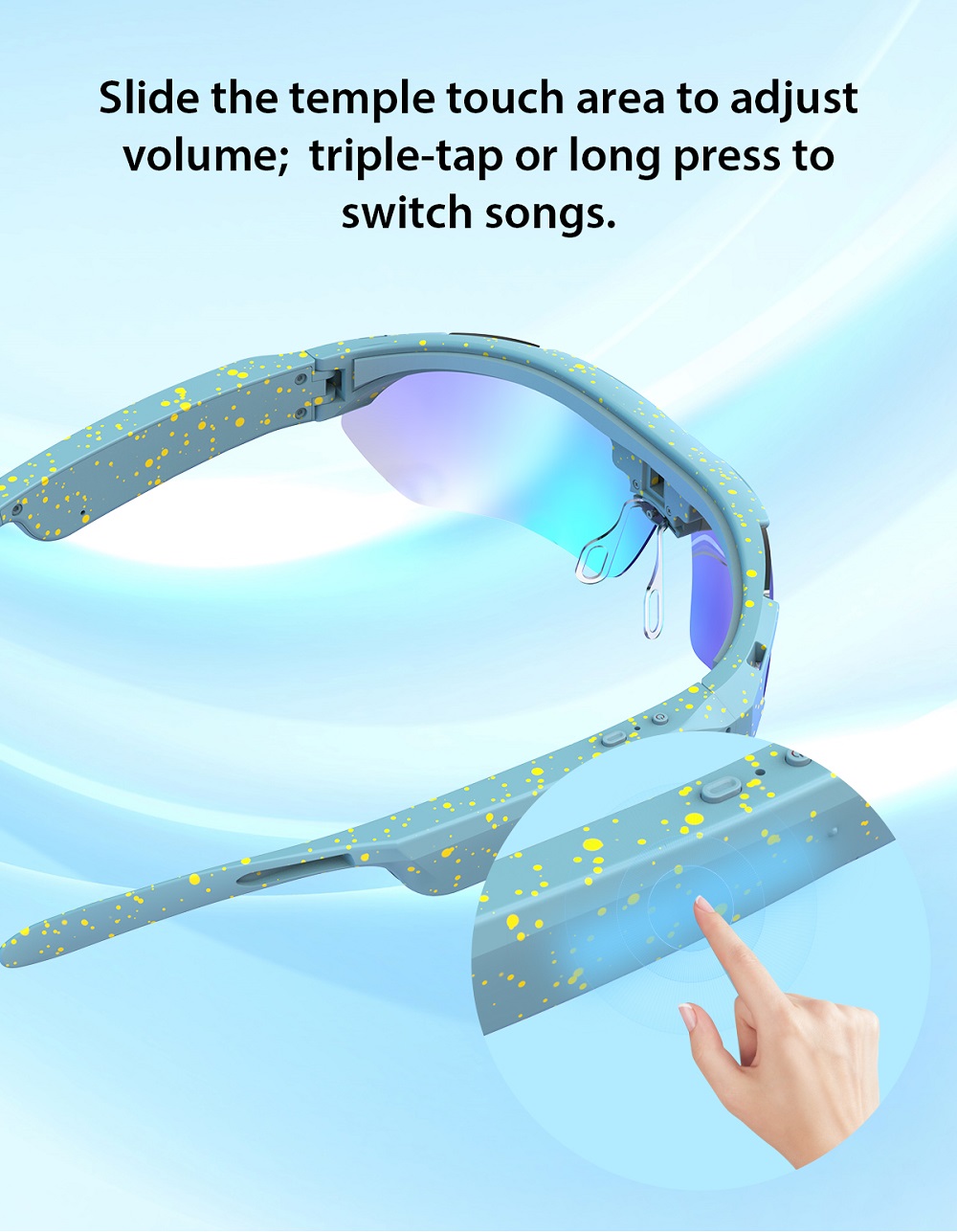
| Right touch area | Volume control | Slide forward to increase volume, slide backward to decrease volume | |
| Play/Pause | Double click to play/pause music | ||
| Previous/Next track | Long press for next song, triple hit for the previous song | ||
| Bluetooth | Bluetooth reconnection | After successful binding, the device will automatically reconnect every time it is turned on | |
| AI voice assistant | Wake Up | Say "Hey Cyan" to wake up the voice assistant or short press right rear button | |
| Indicator light | Red light on during charging, blue light on upon completion of charging | ||
| The photo/video indicator light is blue | |||
